

VMarket
Admin store with dynamic prices, categories, discounts, daily limits & live countdown.
Standard licence at a glance
- ✓ Compiled plugin; source code not included
- ✓ Up to 1 public server IP at the same time
- ✓ Use on your own commercial Minecraft server allowed
- ✕ No resale, redistribution, rental or sublicensing
- ✓ Published updates included while the licence is active
- ✓ IP reset generally once per calendar month
VMarket – Admin shop with dynamic prices, discounts and live countdown
VMarket is a complete admin shop with dynamic prices for Paper servers. Players buy and sell items at prices that automatically move within a configurable corridor – including a live countdown until the next price update. Over 500 pre-configured default items in 10 categories let the shop go live right out of the box. Item and category discounts with eye-catching sale banners, trend arrows, daily limits and command items round out the package. Storage either locally or via MySQL/MariaDB/PostgreSQL with automatic migration.
Highlights
| Feature | Description |
|---|---|
| Dynamic prices | Each item fluctuates randomly between a min and max value – separately for buying and selling, starting exactly in the middle on first run |
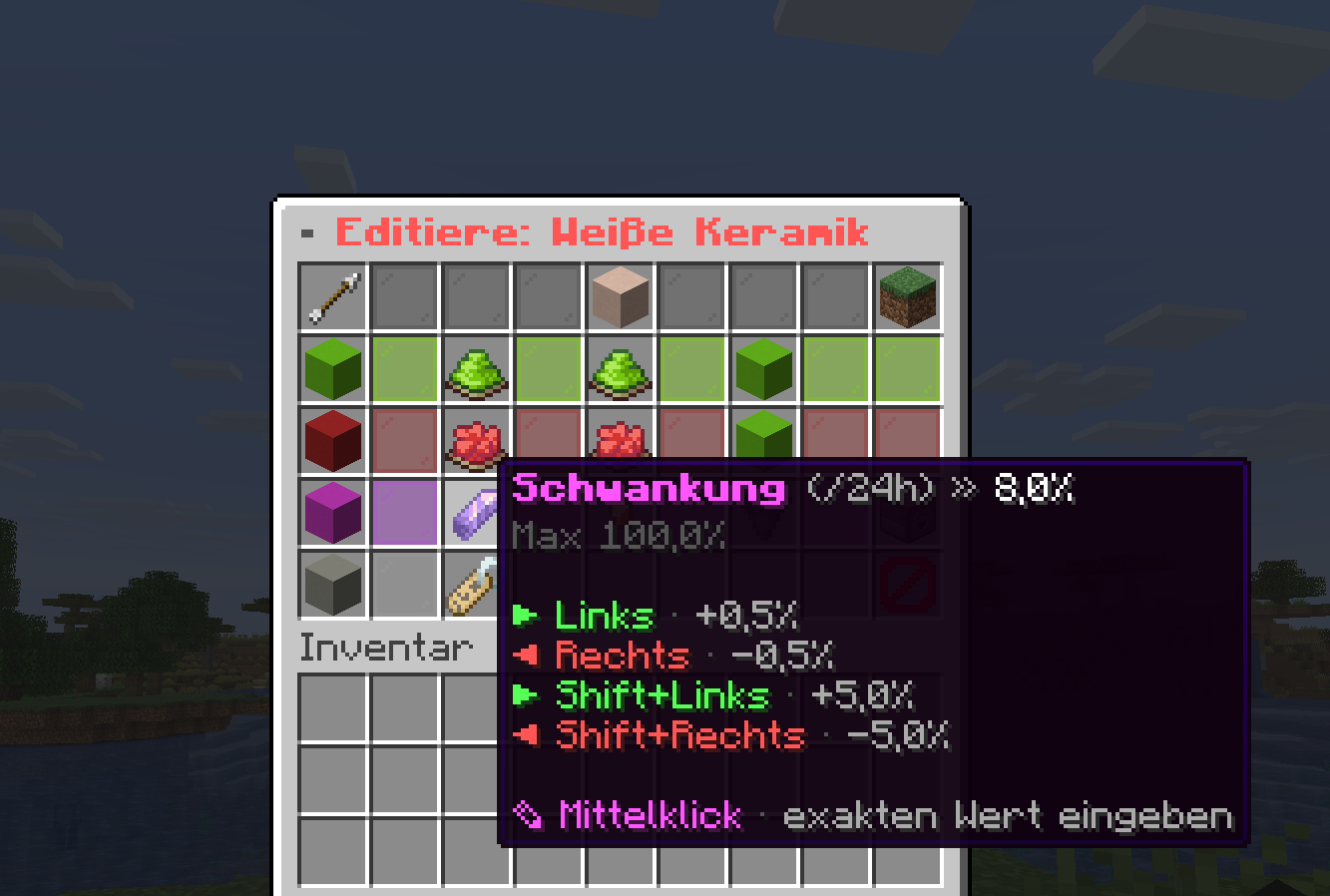
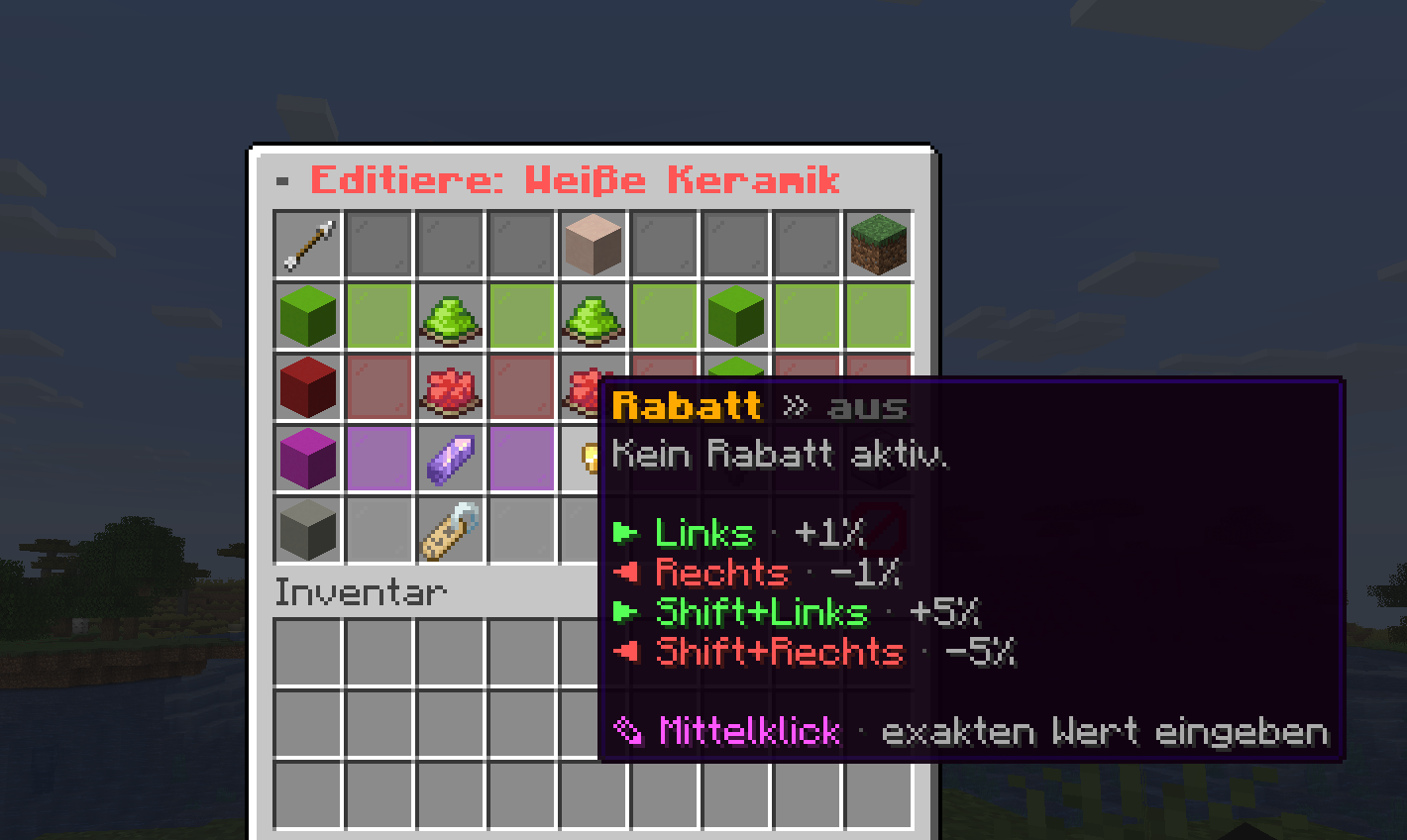
| Configurable fluctuation | Set per item in percent how much the price may change within 24 hours |
| Live countdown in GUI | Shows to the second when the next price update happens (default: every 60 minutes) |
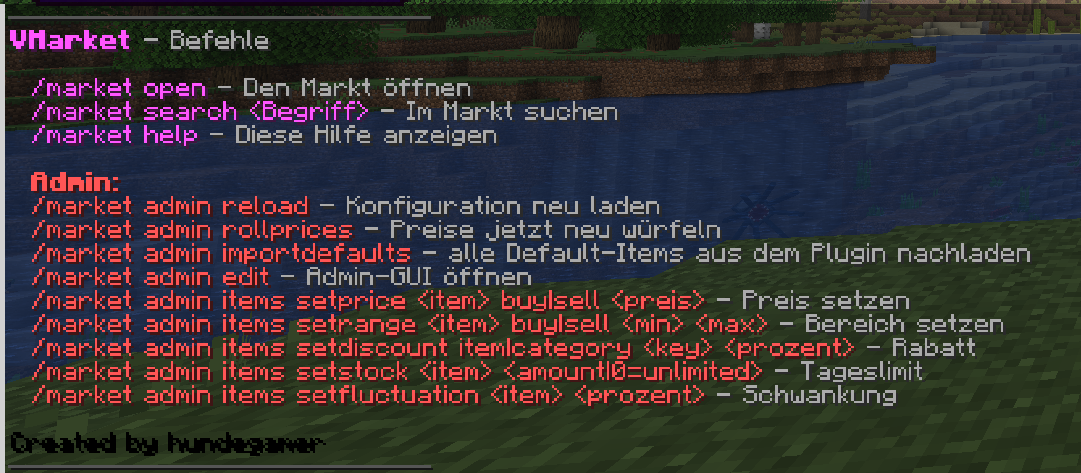
| Manual re-roll | /market admin rollprices re-rolls all prices instantly without waiting for the next update tick |
| Buy & sell in one GUI | Right-click = buy, left-click = sell – both open a quantity menu |
| Sell area | Dedicated sell button in the top right: drop items in, close the GUI, sell automatically – non-sellable items are returned |
| Quantity menu with stack logic | When buying, buttons for +1/+8/+16/+32 (and to reduce accordingly) plus "Buy more" to round up to the next stack; when selling, pure quantity increment |
| Item discounts | An additional percentage discount on the purchase price per item |
| Category discounts | Discount entire categories as a sale promotion (combined with item discount, capped at 95%) |
| Discount banners | Reduced items and categories are marked in the shop GUI with an eye-catching sale banner |
| Categories with icon + pagination | Left navigation column, each category with its own material icon, cat-picker when there are many categories, pagination across the items per category |
| Bilingual item search | Chat input directly in the shop – both German and English material names work |
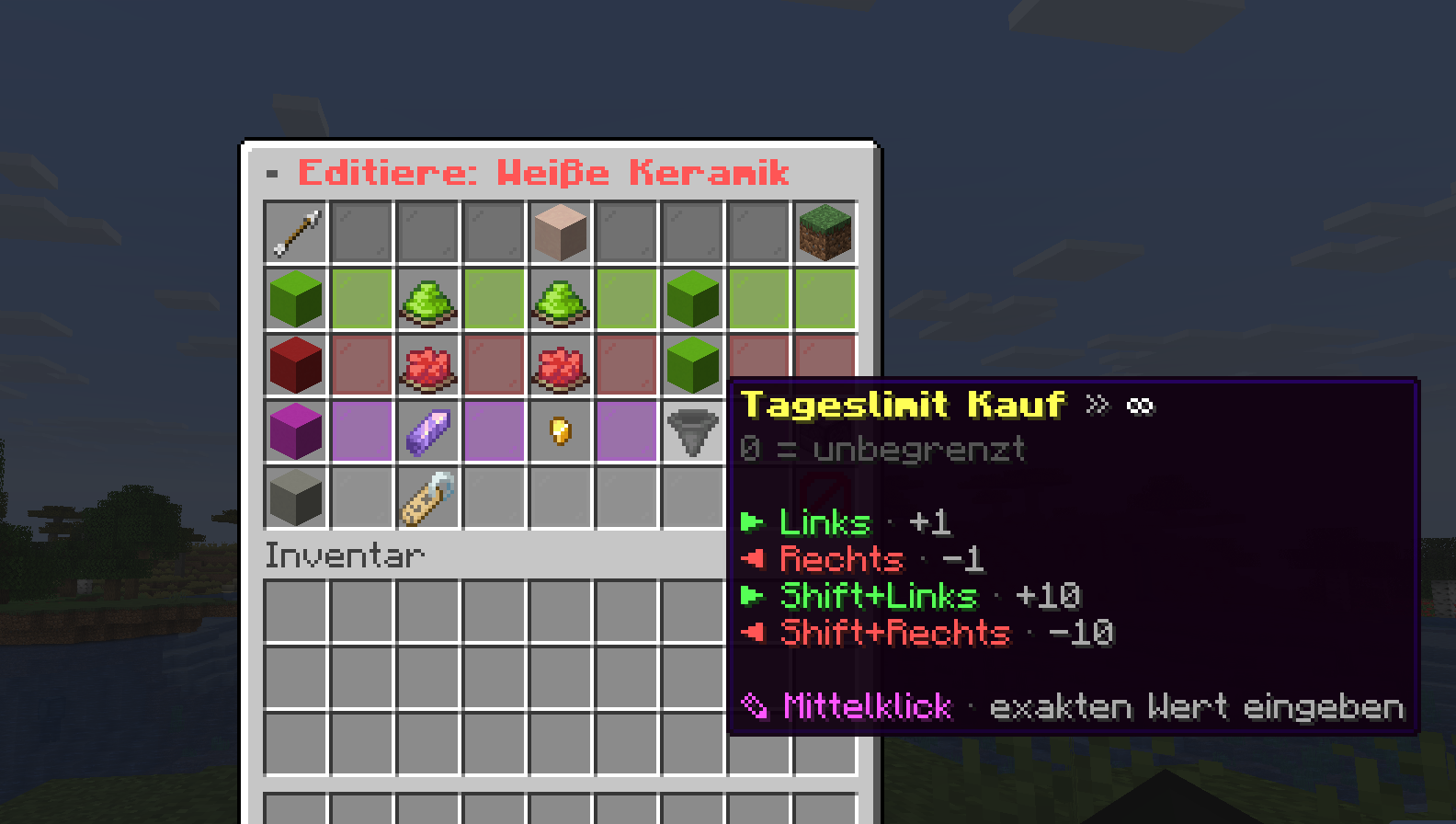
| Daily limits | Per item buy and sell limits per player per day (0 = unlimited); the lore only shows the limit when relevant |
| Trend arrows | ▲ ▼ ▬ show directly in the lore which way the price has moved since the last update |
| Command items | Items that run a command (e.g. fly voucher) with their own display material and per-piece or per-order mode |
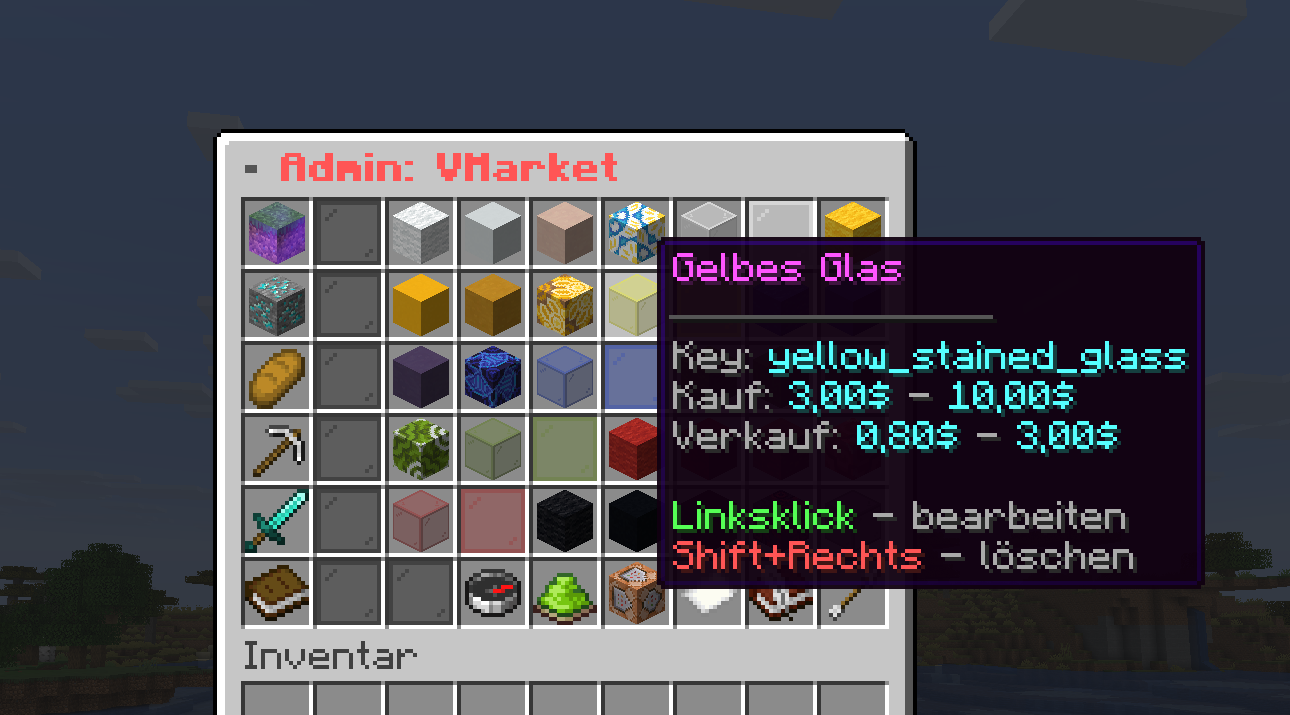
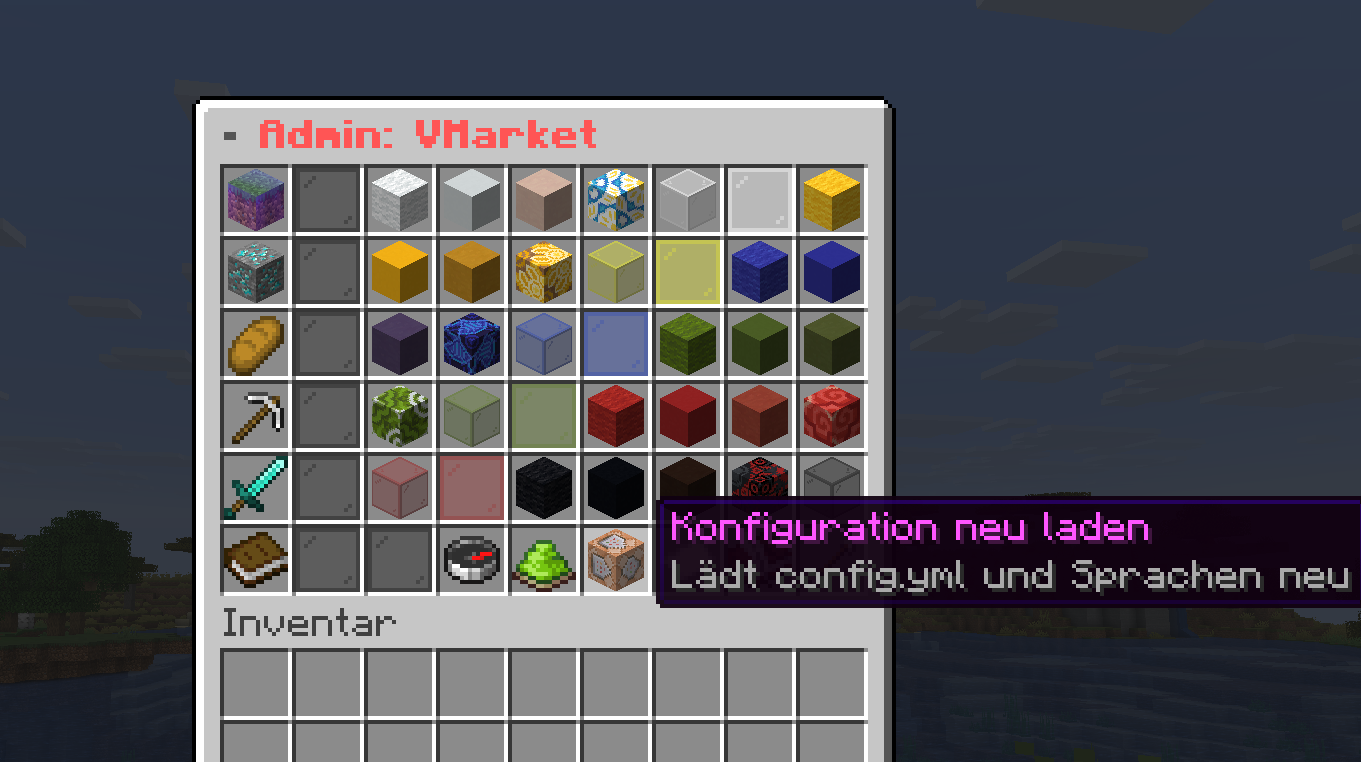
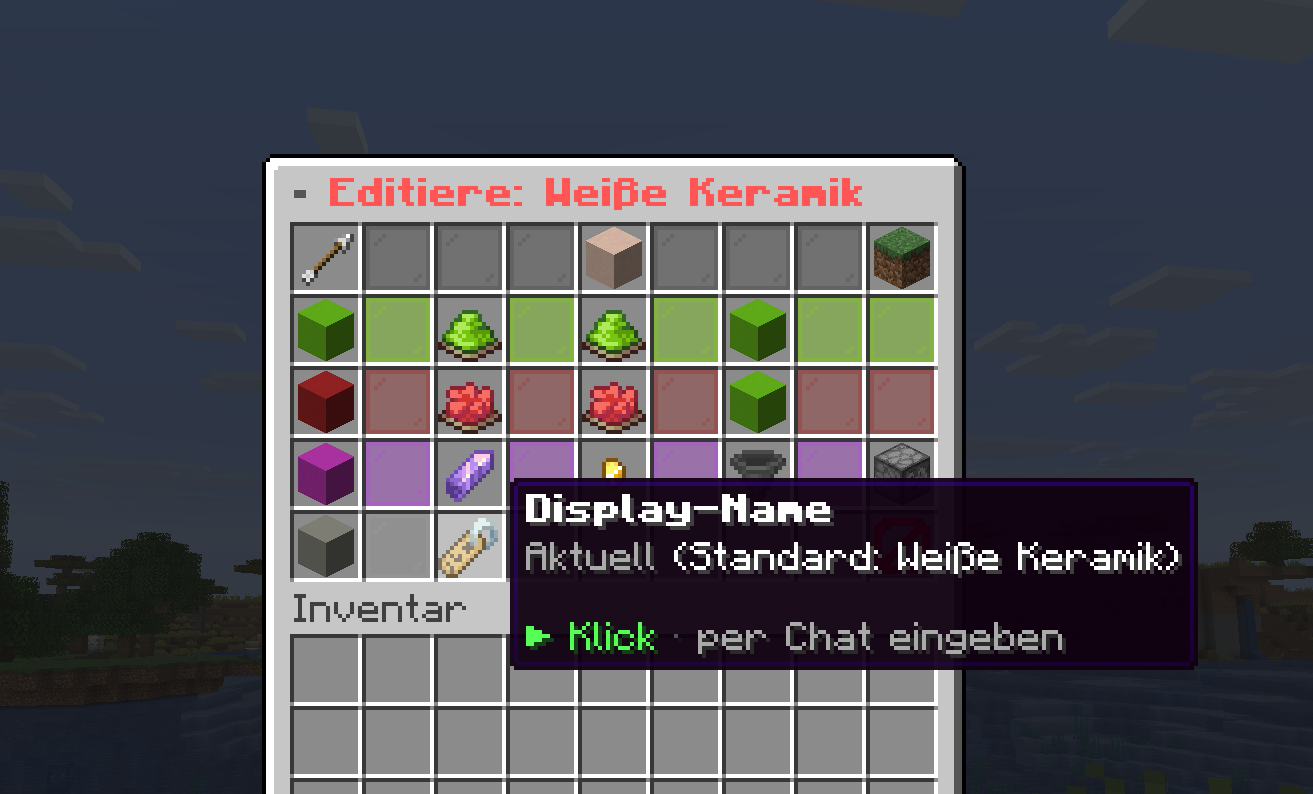
| Admin GUI | Edit items with left-click, delete with shift+right-click, add items from your hand, category-based admin panel – all without a server restart |
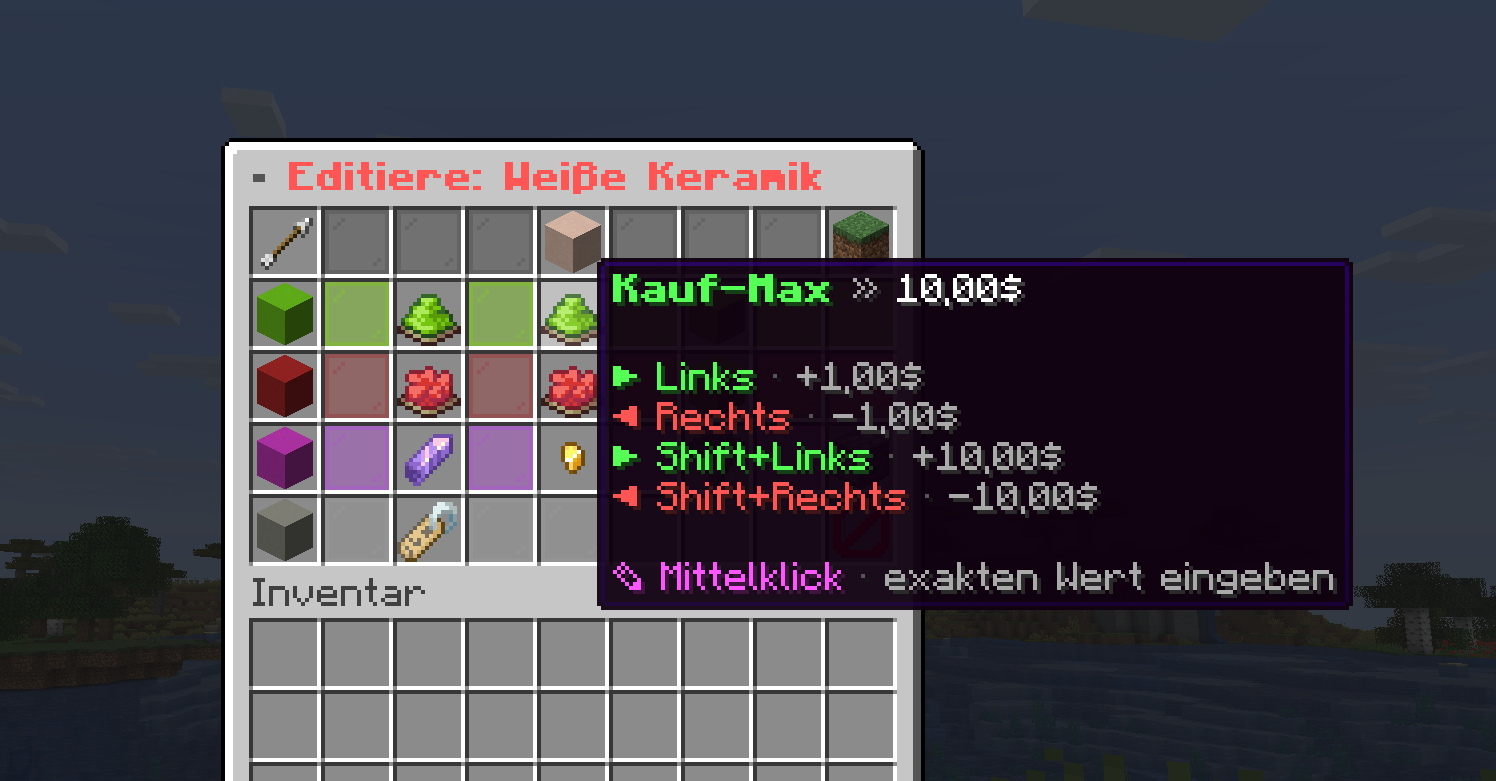
| In-game configuration | Buy/sell range, fluctuation, discount, daily limit, buy/sell toggle – all settable via chat input or command (/market admin items …) |
| Default item library | ~500 pre-configured items, split into items/<category>.yml; /market admin importdefaults loads missing default items from the JAR |
| Vault integration | Standard Vault economy for buying and selling |
| Database support | Optional storage via MySQL, MariaDB or PostgreSQL (HikariCP pooling) – prices, daily limits and history are migrated automatically |
| Multilingual | German (real umlauts ö ä ü ß) and English included – GUI titles and all messages customizable directly in the language files |
| Fully configurable | GUI rows, categories, icons, items, min/max prices, fluctuation, discounts, daily limits, update interval, currency symbol |
GUI menus
| Menu | Function |
|---|---|
| Shop menu | Left column = categories (with pagination if many), then a glass divider, then items in 6 columns – with item pagination, search, balance, live countdown, sale banner for discounted categories and sell button in the top right |
| Quantity menu (buy) | +1/+8/+16/+32 to increase, –1/–8/–16/–32 to reduce, "Buy more" to round up to the next stack, bold central buy button, confirm or cancel |
| Quantity menu (sell) | Pure quantity layout (no stack button), checks inventory stock and daily limit live |
| Sell area | Dedicated inventory area: drop items in, sell automatically on close – non-sellable items are returned |
| Cat-picker | Compact selection menu for switching categories when many categories exist |
| Admin main menu | Category-based panel with item list, pagination, buttons to add from hand, reload and quick editing |
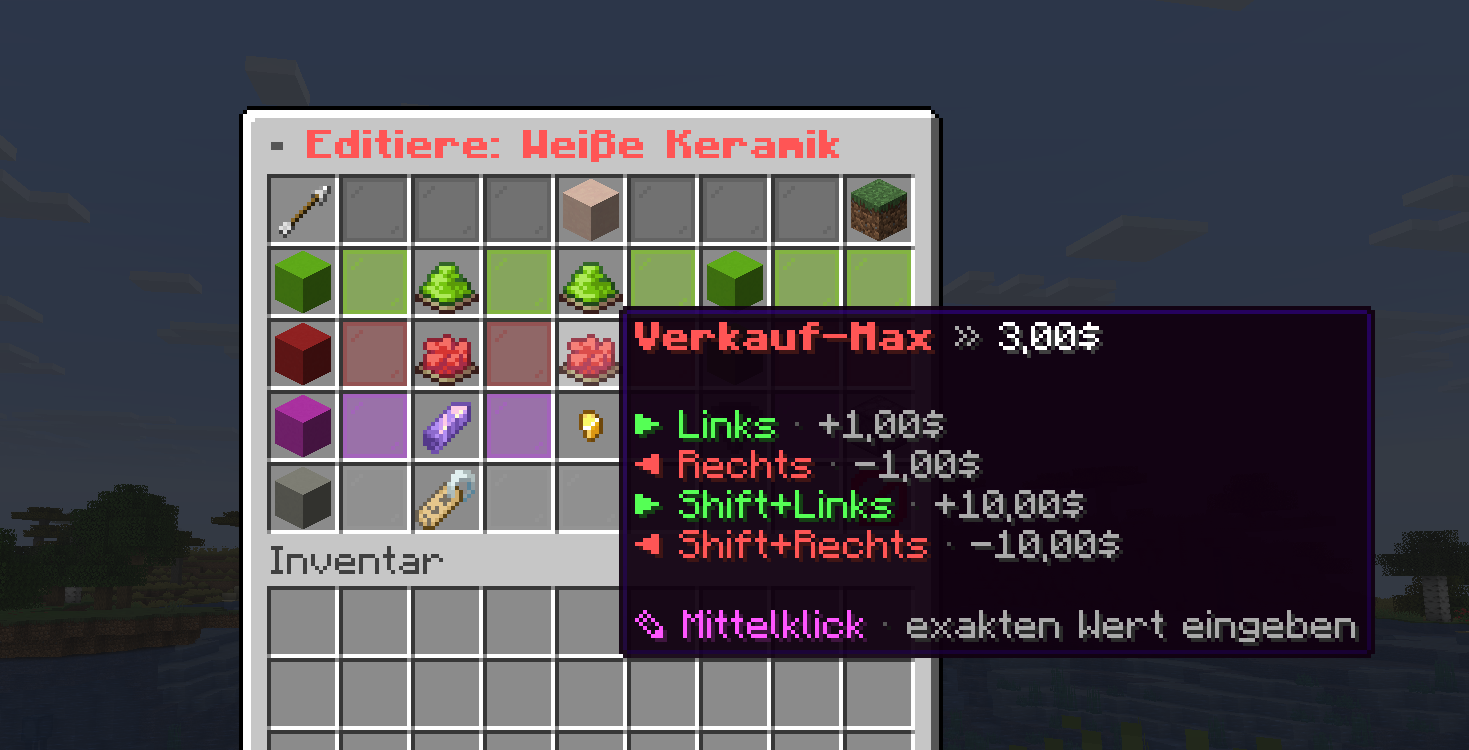
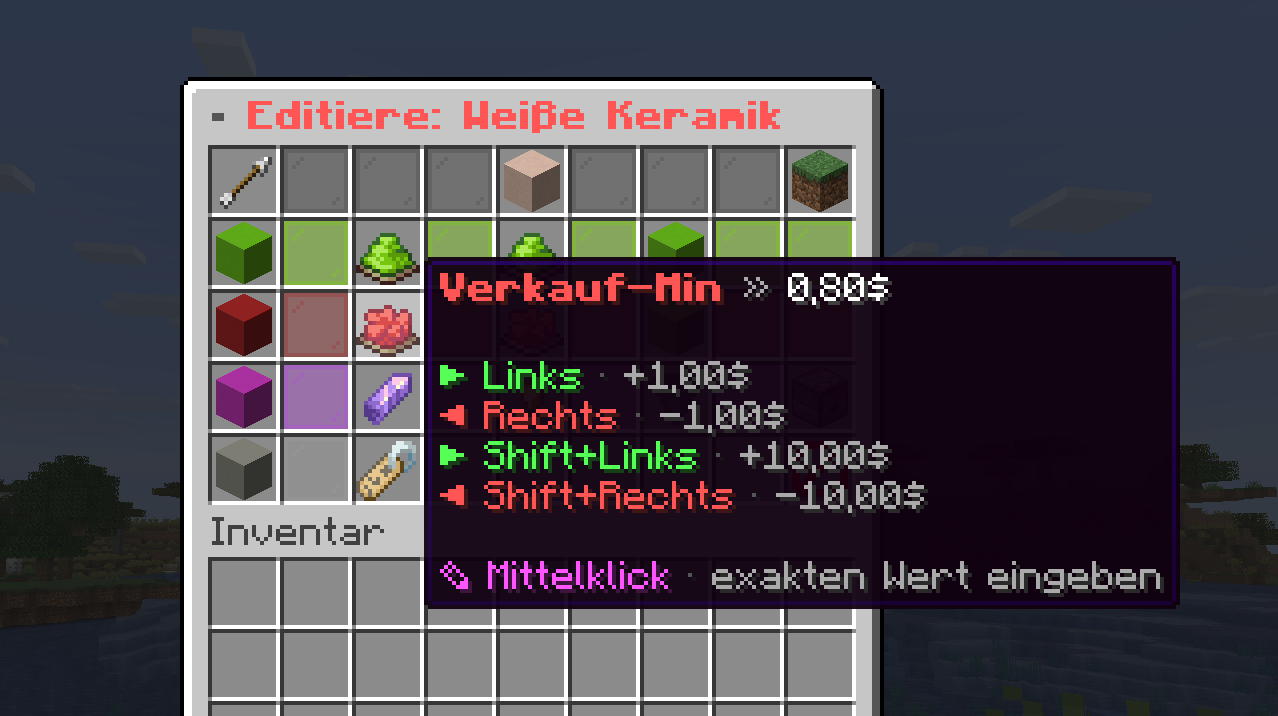
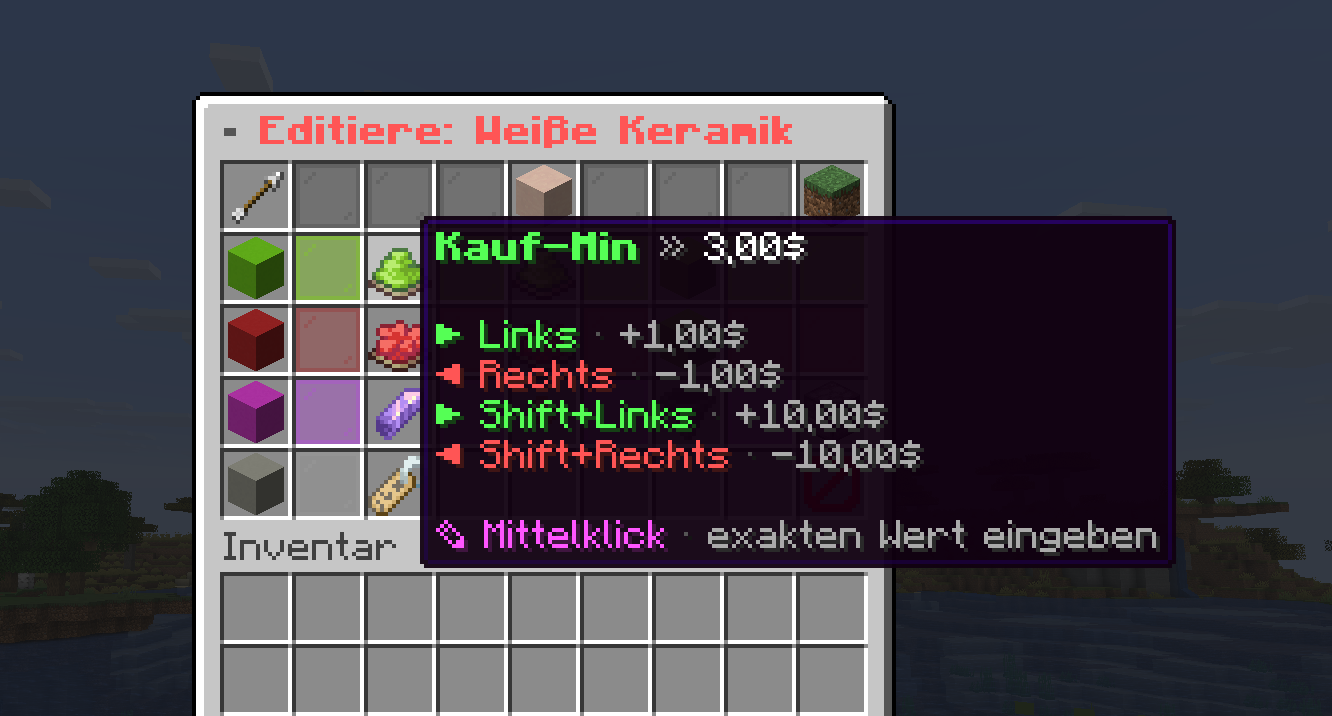
| Admin editor | Per item: buy min/max, sell min/max, fluctuation, discount, daily limit, buy/sell toggle, delete – values are set via chat input; clean two-column layout |
Items & categories
Items are stored per category in plugins/VMarket/items/<category>.yml. Shipped with 10 categories and a total of ~500 pre-configured default items:
| Category | Examples |
|---|---|
blocks |
Stone, dirt, wood, wool, … |
ores |
Iron ore, gold ore, diamond ore, emerald, … |
food |
Bread, steak, cake, golden apple, … |
tools |
Pickaxe, shovel, axe, fishing rod, … |
weapons |
Swords, arrows, bows, … |
armor |
Helmet, chestplate, leggings, boots per material |
redstone |
Redstone, repeater, hopper, pistons, … |
decoration |
Banners, signs, carpets, stained glass, … |
nature |
Saplings, plants, flowers, corals, … |
misc |
Buckets, saddles, boats, minecarts, … |
Requirements
- Paper Server 1.21+
- Java 21+
- Vault (required)
- PlaceholderAPI (optional)
- Optional: MySQL, MariaDB or PostgreSQL for database storage
Reviews
Log in to leave a review.
- No reviews yet — be the first.
Frequently asked questions about VMarket
- How much does VMarket cost?
- Currently €19.99 for the non-exclusive, non-transferable standard licence to use the compiled plugin. Source code and redistribution rights are not included.
- Does VMarket work on my Minecraft server?
- The supported Minecraft, Java, server and dependency versions are those expressly listed in the product description and version notes. Compatibility with unlisted or later versions is not promised.
- How does the licence work?
- This licence permits simultaneous use on up to 1 public server IP. Stored IPs can generally be reset once per calendar month in the dashboard. Use on your own commercial Minecraft server is allowed; resale, redistribution, rental and sublicensing of the plugin are not.
- Do I get updates automatically?
- Published updates are available in the dashboard while the licence is active. This does not promise indefinite future development or specific new features; mandatory statutory update duties remain unaffected.
- How do I get support?
- Support is available by Discord and email within the scope stated in the product description. A particular response or resolution time applies only where a service level has been expressly agreed.